

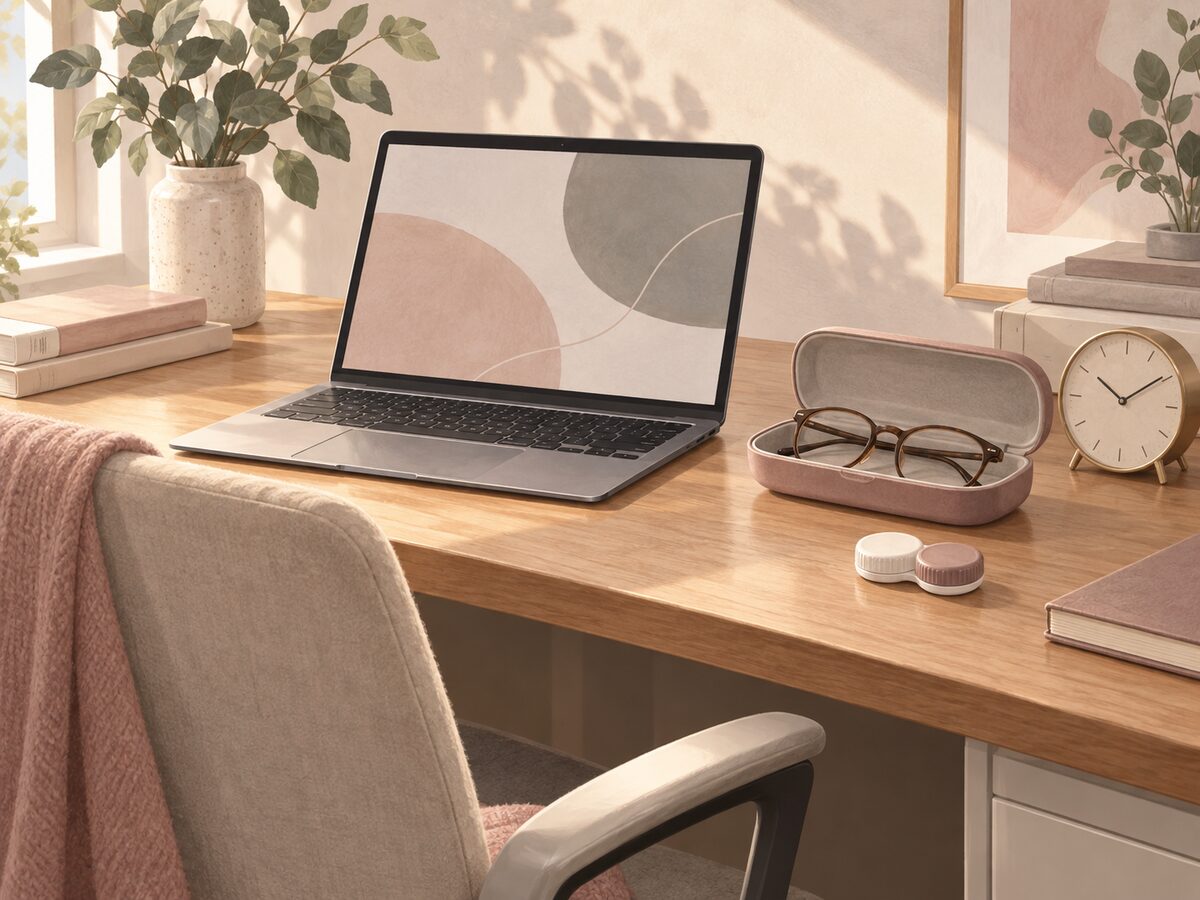

A long screen day is a reason to plan breaks and a glasses alternative, not to choose colored contacts by a promise of “all-day comfort.” Start with your prescribed lens and wearing instructions. Keep screen habits, the room environment and any symptoms separate in your notes so an eye care professional has useful information if problems occur.
In this guide
Why screen habits belong in your lens routine
The National Eye Institute explains that people may blink less while looking at screens, which can contribute to dry eye. That is a reason to consider how you work; it does not prove that a particular episode of irritation was caused by your laptop.
A shopper often asks, “Which brown lens is best for eight hours at a computer?” The missing information is not another color comparison. It is whether the exact lens is appropriate for that person, what wear routine was prescribed, and whether symptoms need assessment. A product photograph cannot answer those questions.
Keep appearance and wear planning as two decisions. Our video-call appearance guide discusses how lenses look on camera. This guide concerns organizing the working day. A convincing webcam result is not evidence that a lens can be worn for the rest of a shift.
Put breaks into the schedule you actually use
NEI recommends the 20-20-20 approach: every 20 minutes, look at something about 20 feet away for 20 seconds. Treat this as a screen-break reminder. It does not add wearing time to a contact lens or replace individual instructions.
Choose a reminder that fits your work: a calendar notification, a timer you can see, or a prompt alongside your meeting notes. A reminder is useful only if you can act on it. If back-to-back calls make breaks difficult, address that scheduling problem before making contact wear the default for every call.
Do not turn a missed break into a reason to make up a longer wearing session later. Your work calendar and the lens instructions are separate records. A ten-minute lunch break, for example, does not restart a reusable lens's replacement interval or create a new allowance for the evening.
If your routine includes removing lenses, follow the instructions for that exact lens. The lens dates and daily-wear guide explains why “daily wear” and “daily disposable” mean different things. Do not improvise a storage plan for a single-use lens.
Check the desk before blaming a specification
The NEI dry-eye guide identifies environmental changes, including limiting screen time and avoiding direct air-conditioning exposure, as options to discuss when relevant. Dry-eye assessment considers more than whether a lens has a high water-content number.
For your own work notes, describe the environment in ordinary language: “desk directly under a vent,” “fan facing me,” or “four consecutive video meetings.” These observations are more useful than writing “the material is wrong,” which assumes a cause that has not been established.
You do not need to buy a new desk accessory or lens brand to create that record. First identify what changed between a comfortable routine and a difficult one. If symptoms are present, seek advice rather than repeatedly changing conditions to test how long you can keep wearing the lenses.
Read our material-label guide when comparing catalog fields. Material, water content and diameter describe aspects of a product. They do not provide a personal screen-time rating.
Make switching to glasses practical
The CDC recommends carrying backup glasses with a current prescription. For a desk routine, “available” should mean accessible during the working day, not in a different building or at home while you are at the office.
Choose a place for your glasses where you can reach them without disrupting the whole workday. If you use different bags for work and weekends, include the glasses in your packing check rather than assuming yesterday's bag still contains them.
Think through a meeting that runs late. Can you change your plan without having to preserve a particular on-camera look? Could you attend in glasses or switch off the camera if appropriate? These are practical contingency questions, not rules about how everyone should work.
Keep lens handling away from the keyboard and desk clutter. The Wear & Care page and the instructions supplied for your lenses should guide the actual removal and care routine. Do not let a convenient desk location become an improvised care station.
Record a problem without diagnosing it
If irritation, pain, unusual redness or blurred vision develops, remove the lenses, keep them out and contact an eye care professional promptly, following FDA risk guidance. Do not finish a screen experiment before getting help.
After arranging care, a short record can make the conversation clearer. You can copy this format into your own notes:
- Exact lens name and version, plus the affected eye or eyes.
- Insertion time and when the problem was first noticed.
- The task being done and any recent change in the work environment.
- The symptoms in your own words, including any vision change.
- When the lenses were removed and what happened afterward.
- The names of any drops or care products used.
This is a communication aid, not a scoring system. There is no total that tells you to restart lens wear. Do not upload prescription details or eye photographs into a public product review to seek a diagnosis; use the care provider's appropriate contact route.
Our discomfort guide covers what to tell the practitioner. A retailer can identify an order, but cannot determine the cause of a symptom from a product page.
Questions about contacts and screen days
Is there one colored lens that is best for computer work?
This guide does not rank lenses for an individual medical need. Bring your work pattern and the exact products you are considering to your fitting appointment. A useful recommendation needs more information than the desired color and number of work hours.
Does taking a break reset my allowed wearing time?
No break timer establishes that. Keep the screen-break routine separate from the wear and replacement instructions for your prescribed lens. Ask your practitioner how to organize a day that includes work and an evening event.
Should I change to a higher water percentage?
Do not choose a new lens to diagnose discomfort. The percentage alone cannot identify why your eyes feel different. Record the actual product and your concerns so a professional can assess the relevant factors.
Can I use drops to get through one more meeting?
Do not use a drop as permission to extend wear or work through symptoms. Confirm any eye product with your eye care professional. Our eye-drop label guide helps organize that question.
Are phone and gaming sessions part of the same planning problem?
Include them when describing your day. A work calendar may show six hours at a computer while omitting an evening game or a long phone session. The full routine is more informative than counting office hours alone.
Should I keep testing the lens if the room might be the problem?
No. An environmental observation does not establish the cause of a symptom or the safety of another trial. Use the stop-and-seek-help guidance above and take your observations to the appointment.
AI-assisted educational content using the linked primary sources, checked September 12, 2026. This article is not an individual fitting assessment or a clinical wear test. Explore related topics in Lens 101.