
التخطي إلى المحتوى

سلة المشتريات

سلة مشترياتك فارغة

A little color. Still you.
894 من المنتجات

الترتيب حسب

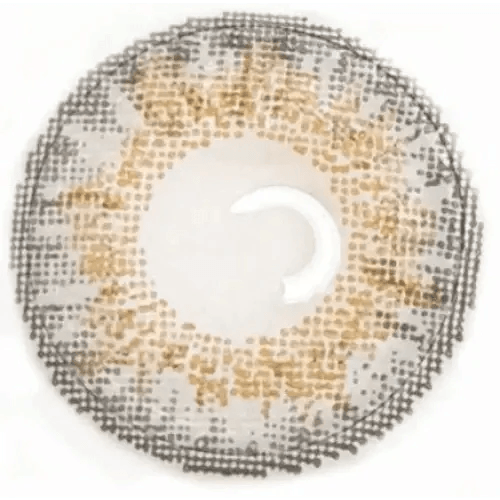
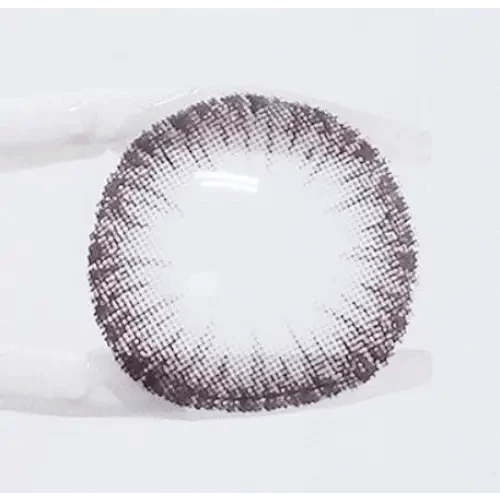
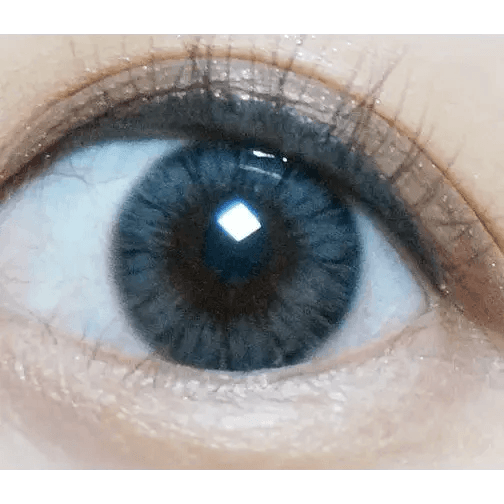
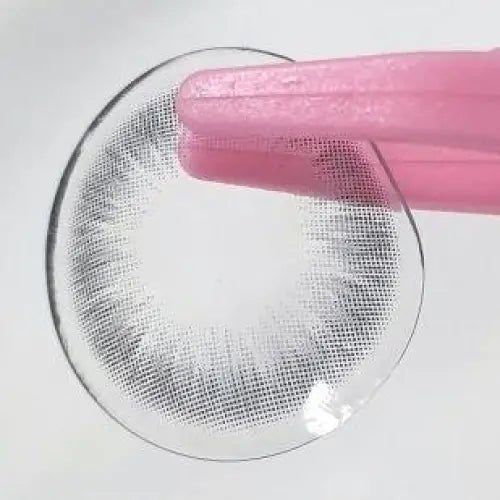
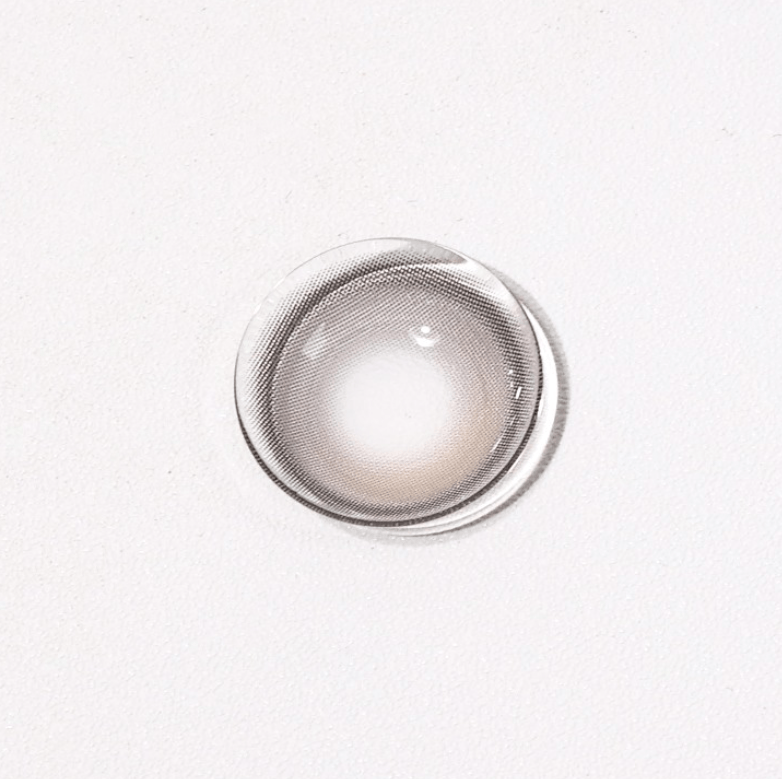
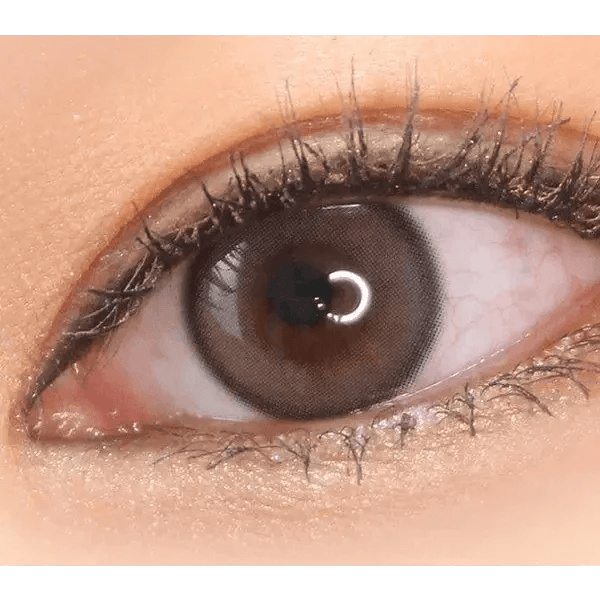
Olens Real Ring 1Day Gray (10p) colored contact lens, 12.5mm graphic diameter, Daily wear
السعر بعد الخصم$20.50 السعر قبل الخصم$35.00
QUICK ADD
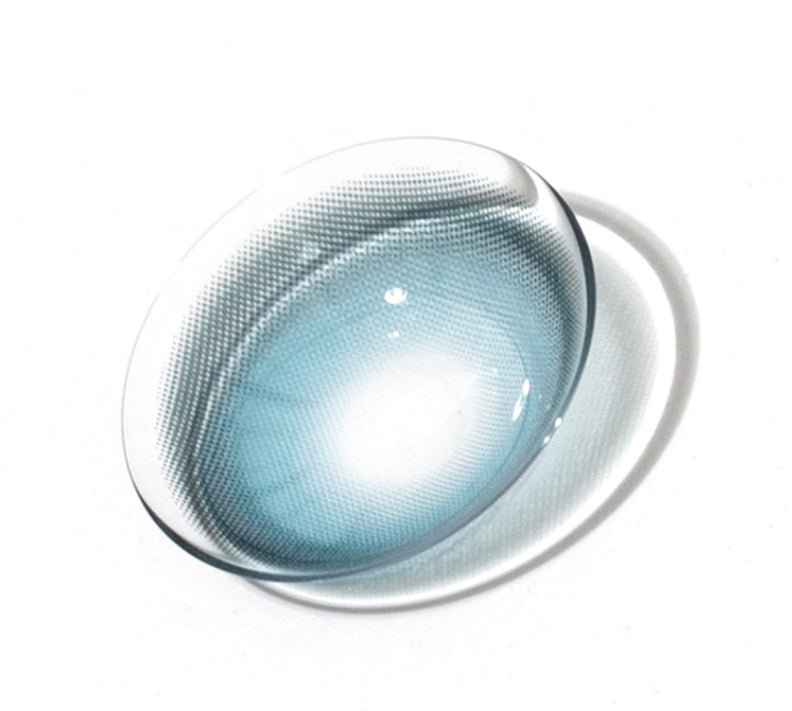
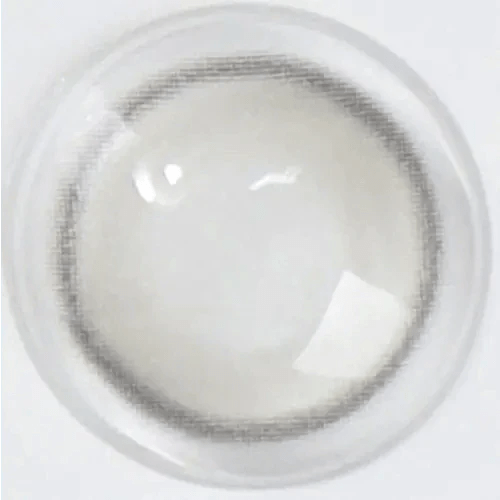
Olens French Shine 1Day Aqua (10p) colored contact lens, 13.2mm graphic diameter, Daily wear
السعر بعد الخصم$20.50 السعر قبل الخصم$35.00
QUICK ADD
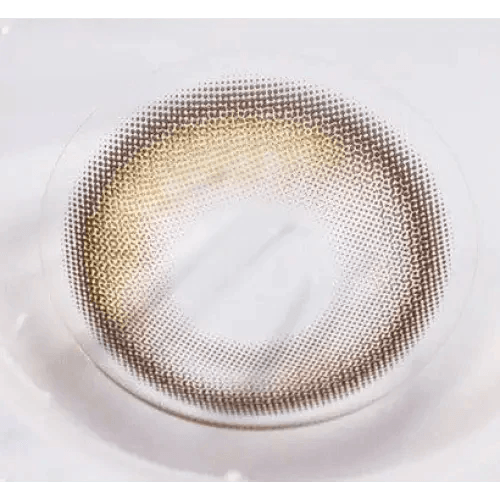
LensTown It's Me Coco Blue colored contact lens, 13.4mm graphic diameter, Monthly wear
السعر بعد الخصم$24.99 السعر قبل الخصم$35.00
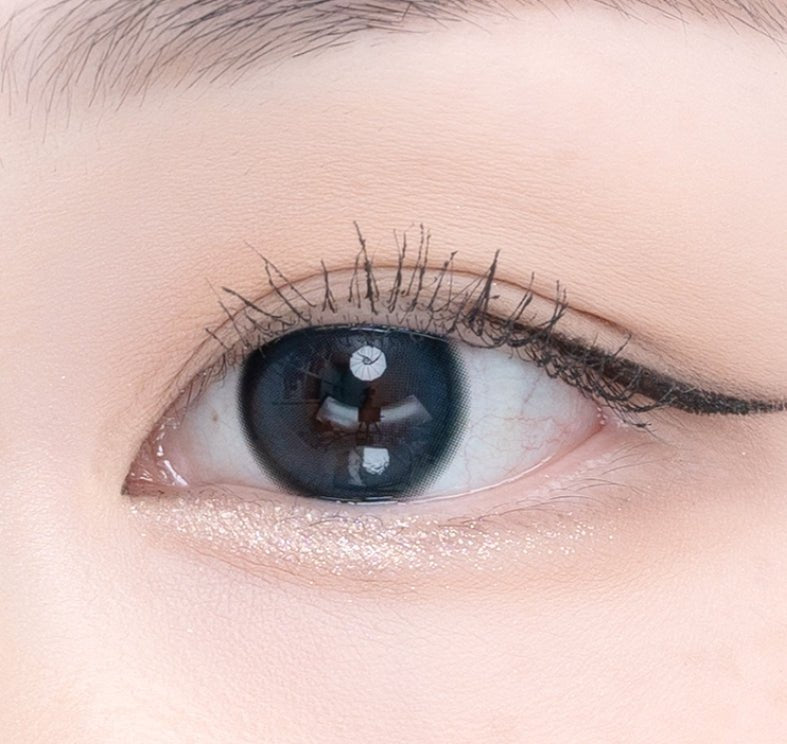
Olens Chagall Black colored contact lens, 12.8mm graphic diameter, 3-6 Months wear
السعر بعد الخصم$15.99 السعر قبل الخصم$24.00
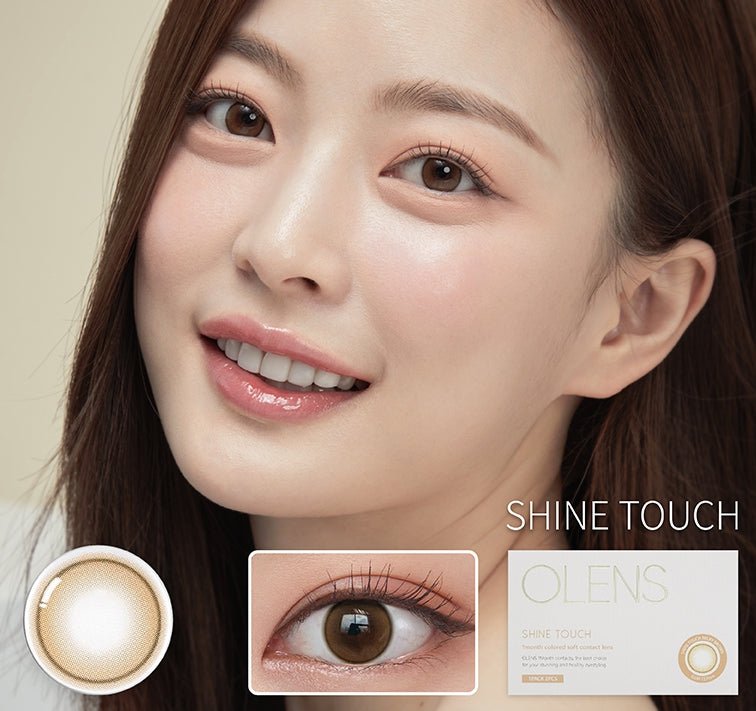
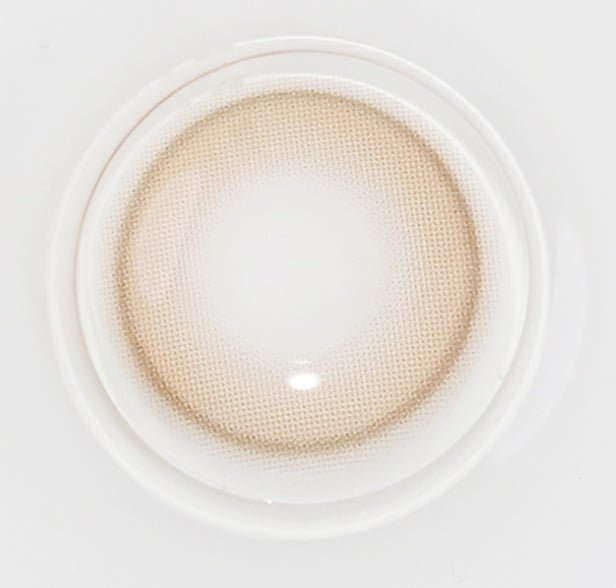
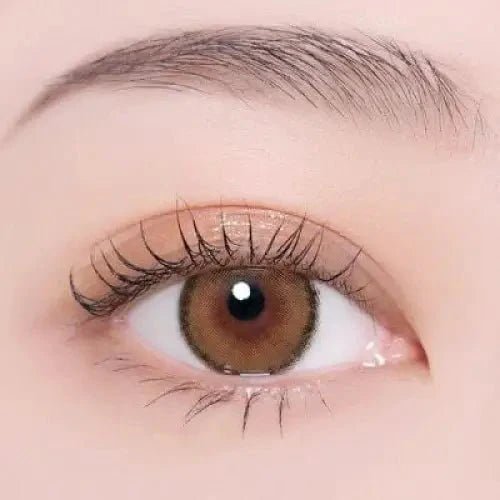
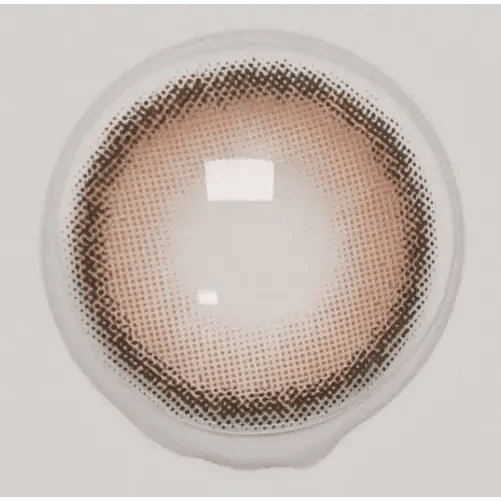
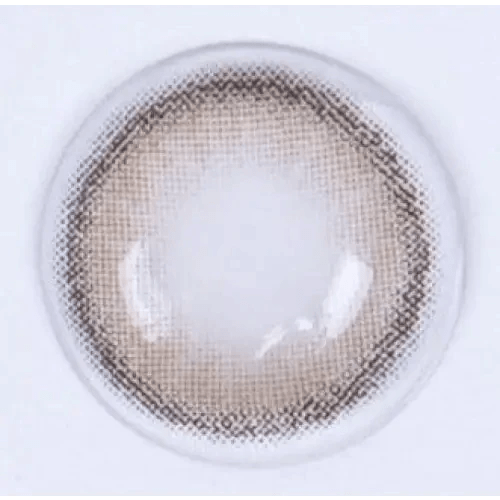
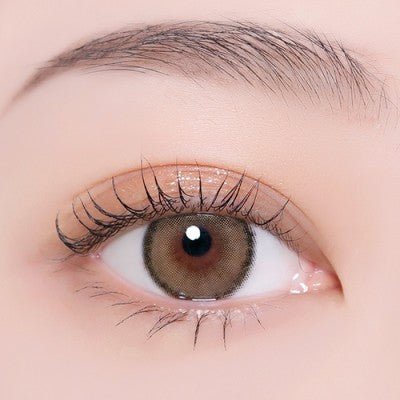
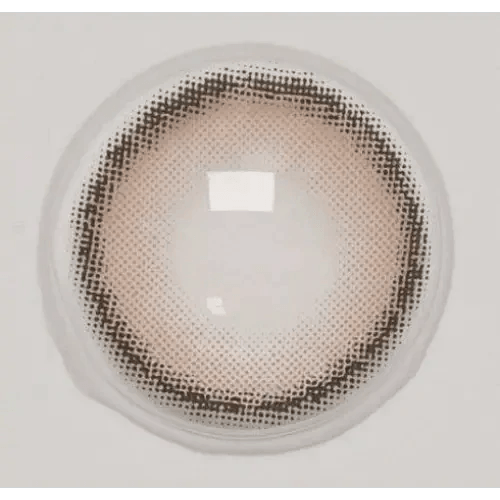
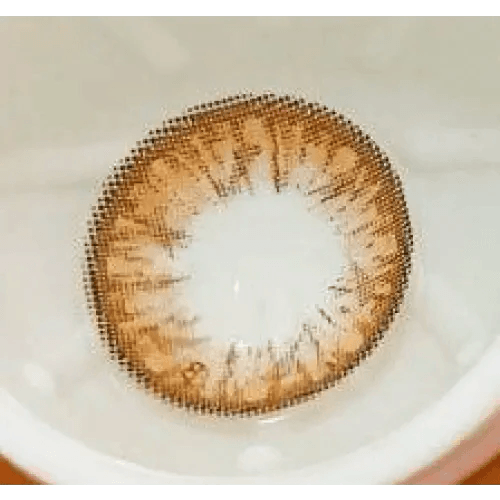
Olens Shine Touch Milky Brown colored contact lens, 12.7mm graphic diameter, Monthly wear
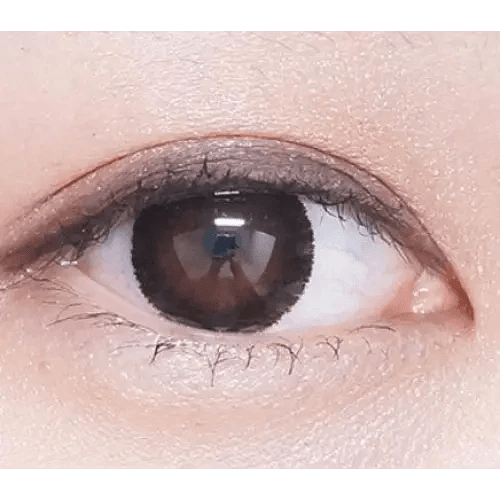
LensVery Poing Gray — model portrait showing the contact lens look
السعر بعد الخصم$9.99 السعر قبل الخصم$25.00
i-DOL Roze Airy Pumpkin Brown — single-eye close-up showing the contact lens appearance
السعر بعد الخصم$26.99 السعر قبل الخصم$35.00
Olens Eyelighter Glowy 1Day Brown (20p) — model portrait showing the contact lens look
Olens SCL HI Black — single-eye close-up showing the contact lens appearance
السعر بعد الخصم$29.99 السعر قبل الخصم$41.00
Olens ViVi Ring 1Day Brown (10p) — model portrait showing the contact lens look
السعر بعد الخصم$20.50 السعر قبل الخصم$35.00
QUICK ADD
Olens Polla Brown — model portrait showing the contact lens look
السعر بعد الخصم$9.99 السعر قبل الخصم$26.00
Olens Maybe Gray — single-eye close-up showing the contact lens appearance
السعر بعد الخصم$10.99 السعر قبل الخصم$20.00
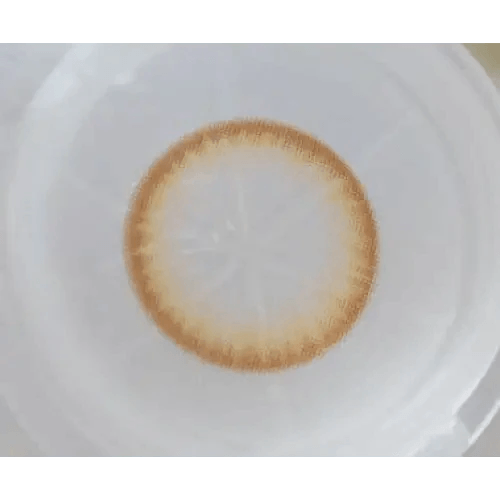
i-DOL Roze Airy Beige Brown — single-eye close-up showing the contact lens appearance
السعر بعد الخصم$26.99 السعر قبل الخصم$35.00
Olens Big Grang Grang Brown — model portrait showing the contact lens look
السعر بعد الخصم$21.00 السعر قبل الخصم$34.00
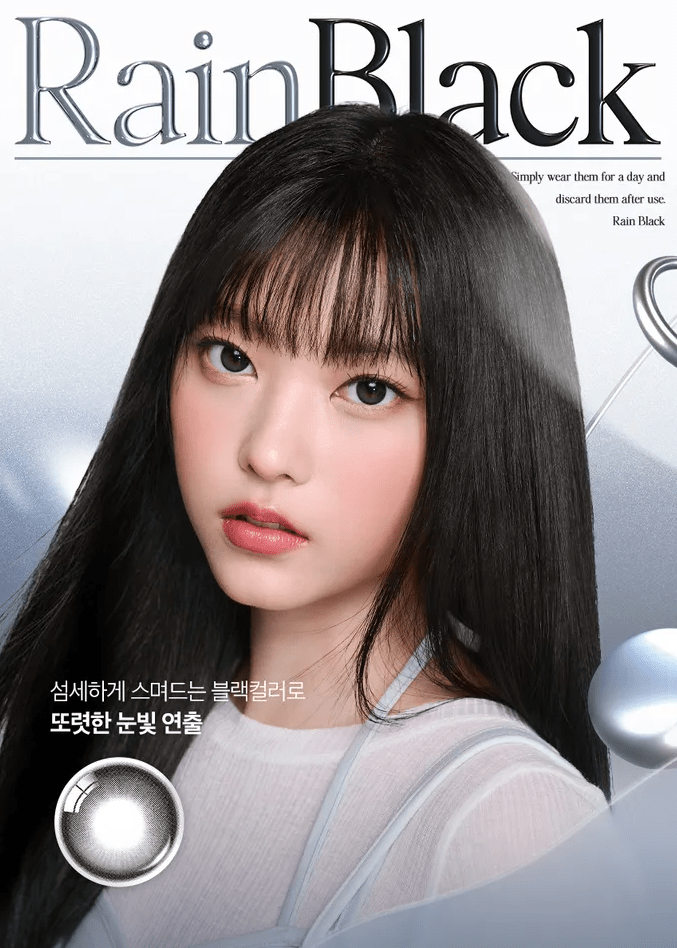
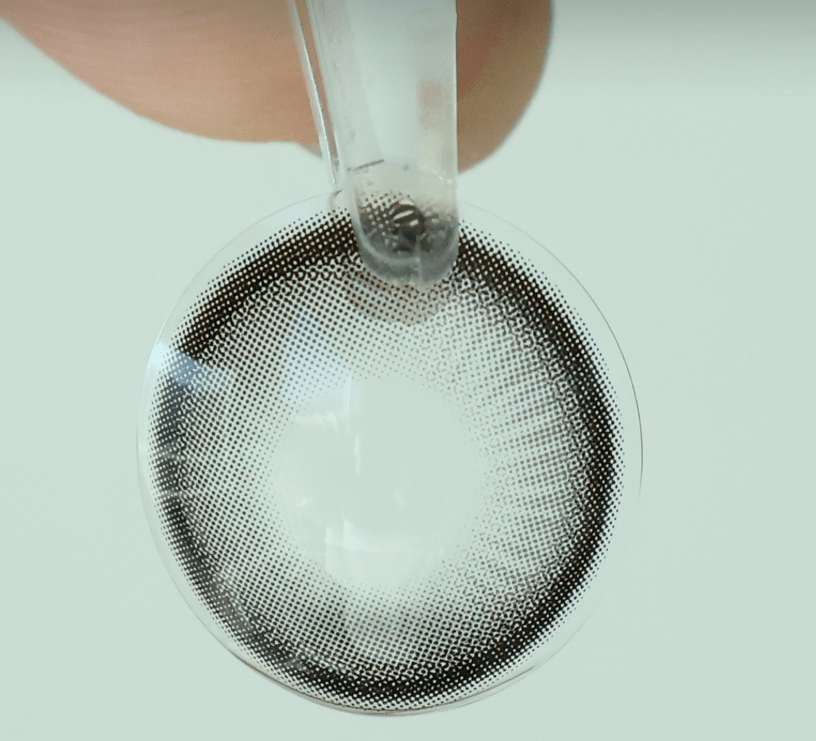
Olens Rain Black (10p) colored contact lens, 13.5mm graphic diameter, Daily wear
السعر بعد الخصم$27.99 السعر قبل الخصم$40.00
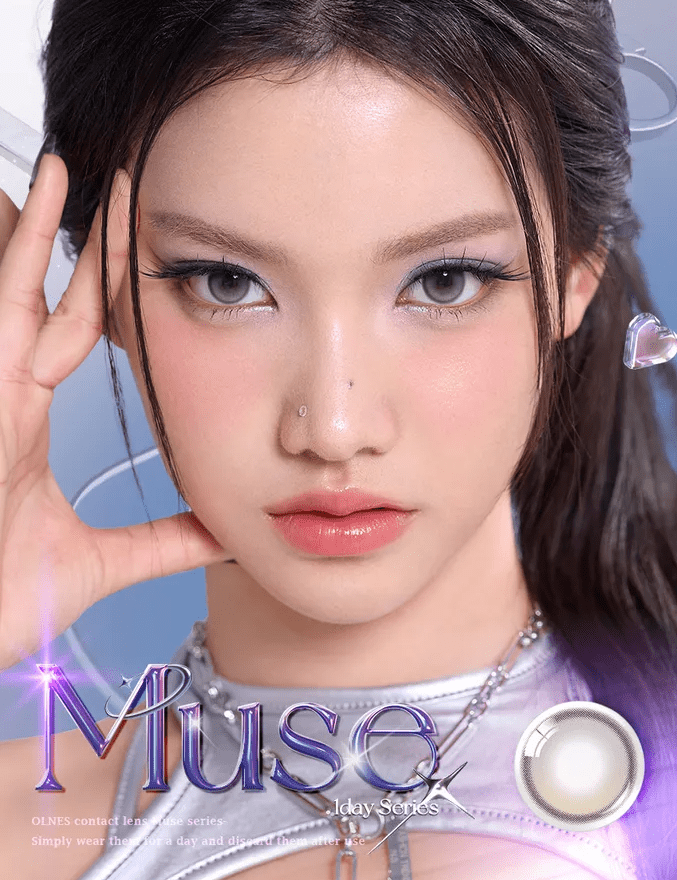
Olens Muse Shine Gray (10p) colored contact lens, 13.3mm graphic diameter, Daily wear
السعر بعد الخصم$20.50 السعر قبل الخصم$40.00
QUICK ADD

القطر الرسومي: قارن الحجم المطبوع دون تخمين المقاس

استخدم القطر الرسومي عندما تريد مقارنة امتداد الطباعة الملونة - وليس لاختيار حجم عدسة مادي لعينيك. إذا كانت العدسة التي تعرفها بالفعل تبدو بارزة أكثر من اللازم، فيمكن أن يوفر قطرها الرسومي مرجعًا مفيدًا للمقارنة المرئية التالية.

احتفظ بالحدود بجانب الرقم. يمكن أن تبدو الطباعة الداكنة والمحددة بدقة أقوى من التصميم الممزوج الأوسع، ويمكن أن يخلق نفس الرسم توازنًا مختلفًا على قزحيات طبيعية مختلفة. ابدأ بمظهر مألوف، ثم قم بتغيير الامتداد المطبوع أو الحافة بدلاً من الاثنين معًا في نفس الوقت.

استخدم عدسة مألوفة كأساس مرجعي مرئي

ابحث عن القياس الرسومي الموثق لعدسة تعرف مظهرها. قرر ما إذا كنت تريد محيطًا مشابهًا، أو انطباعًا أكثر نعومة، أو منطقة طباعة أكثر وضوحًا. هذا أكثر فائدة من اختيار الفئة الأصغر أو الأكبر بدون مرجع.

النطاق هو طريقة لتنظيم البحث، وليس وعدًا بنتيجة معينة على قزحية العين ذات المظهر الصغير أو الكبير.

قارن النطاقات القريبة مع الأخذ في الاعتبار الحافة

استخدم الفئات المدرجة11.9-12.4 ملمونطاق 12.5 ملمكنقطة بداية عند مقارنة الامتدادات المطبوعة الأصغر. تأكد من القيمة الدقيقة في صفحة كل منتج.

للحصول على اتجاه آخر للحجم المطبوع، راجعنطاق 13.0 ملمونطاق 13.5 ملم. قارن الحدود على العين بدلاً من تعيين تسمية طبيعية أو درامية عالمية لنطاق ما.

لا تخلط بين ثلاثة أجزاء مختلفة من العدسة

المسافة المطبوعة الخارجية، والفتحة المركزية، والقطر الكلي للعدسة كلها معلومات مختلفة. لا يمكن للقيمة الرسومية توفير حجم الفتحة المركزية غير الموثقة أو إخبارك بأي منحنى أساسي يناسب.

إذا أظهرت قائمة العدسات الشفافة قيمة رسومية، وضح مواصفات المنتج الفعلية بدلاً من الافتراض بأنها تحتوي على طباعة ملونة مكبرة.

استخدم صور مستوى الوجه لقرار المظهر النهائي

تحقق مما إذا كانت الطباعة تخلق التوازن الذي تريده مع مكياجك المعتاد. إذا كان الامتداد يبدو مناسبًا ولكن الحدود تبدو قاسية، قارنبدون حافة سوداء. إذا كان الهدف هو تعريف أقوى، افحصعدسات مكبرة.

احتفظ بالمنتج الموصوف تمامًا كمتطلب للتناسب طوال المقارنة.

قبل الطلب من "حسب القطر الرسومي"، استخدمالتحقق من الوصفة الطبيةللتحقق من النموذج والمعايير، والارتداء والعنايةلمراجعة الروتين لعدستك المختارة.

Frequently Asked Questions

Is graphic diameter the same as overall diameter?
No. Graphic diameter describes the printed area; overall diameter describes the physical lens. Use each for its own purpose and do not substitute one for the other.
Should I choose the smallest graphic for the most natural look?
Not automatically. A dense small print may still look strong, while a wider feathered one can read differently. Compare tone, opacity and the outside edge together.
Why can two lenses with the same graphic diameter look different?
The number does not describe border density, transparency or the center pattern. Those features can change the visual impression at the same printed span.
Can I work out the right graphic from a selfie measurement of my iris?
Do not use a selfie to determine lens fit or a supposedly exact match. Use known lens appearance and clear product images for visual comparison, with professional fitting handled separately.
How do I avoid an oversized appearance on small-looking irises?
Start from a print whose appearance you know and compare face-level photos. Change one visual feature at a time rather than jumping to a range labeled natural.
If a lens looks too outlined, must I reduce its graphic diameter?
The border may be the issue rather than its span. Compare a softer edge in a similar color before assuming a smaller graphic is the only solution.
Can the graphic number tell me the clear opening size?
No. Use documented opening information if it is provided. Do not calculate it from the outer printed span.
Does a larger physical lens create a larger colored iris?
A physical lens dimension does not establish the printed effect. Check whether the product has a colored graphic and what the actual pattern shows.
Are the range links guarantees that every product has one identical measurement?
Treat them as navigation groups. Read the exact product specification, particularly where a category title abbreviates a broader range.
Will the same graphic give the same enlargement on light and dark eyes?
Do not expect a fixed result. The natural iris and print contrast can produce different impressions even at the same listed span.
What if two fields on the product page show different graphic values?
Ask KPOP2 to confirm the selected model and color's documented value before relying on either number. Do not choose the more appealing value by assumption.
Where do I compare edge style if the printed span already seems right?
Explore No Black Rim and Effects to focus on the pattern rather than changing the size range.