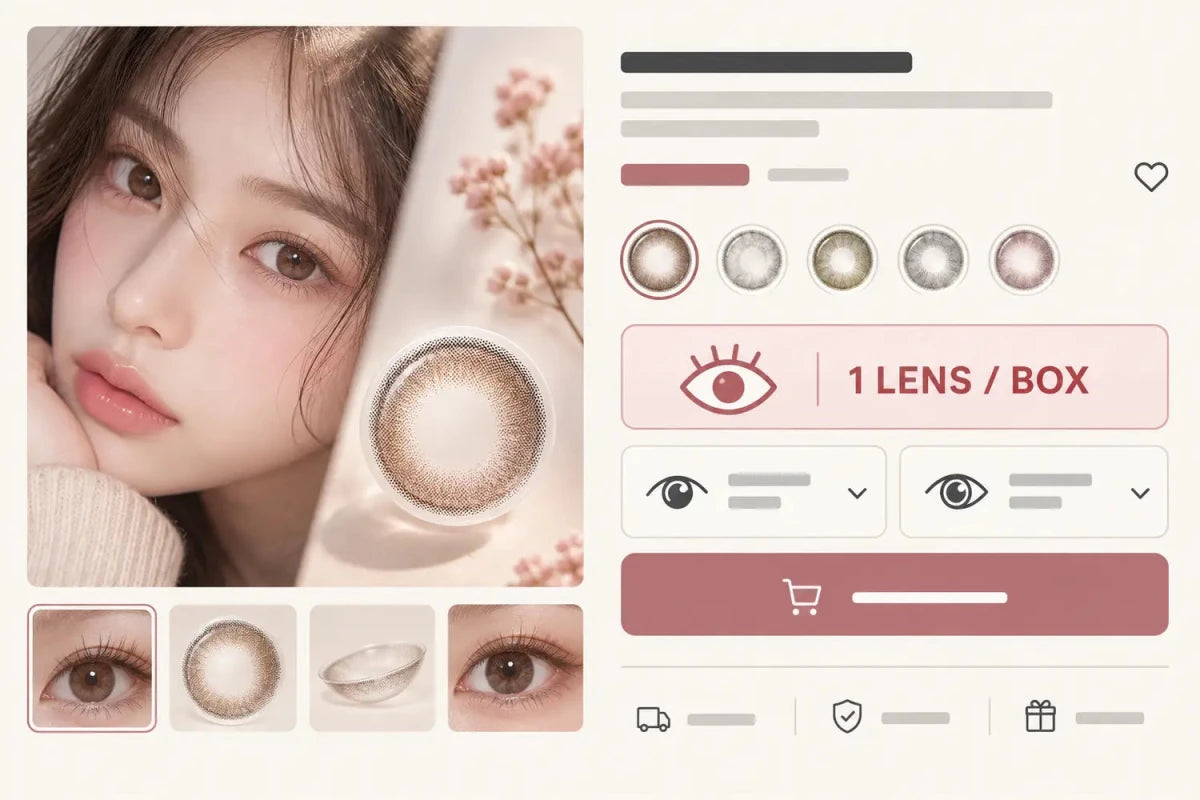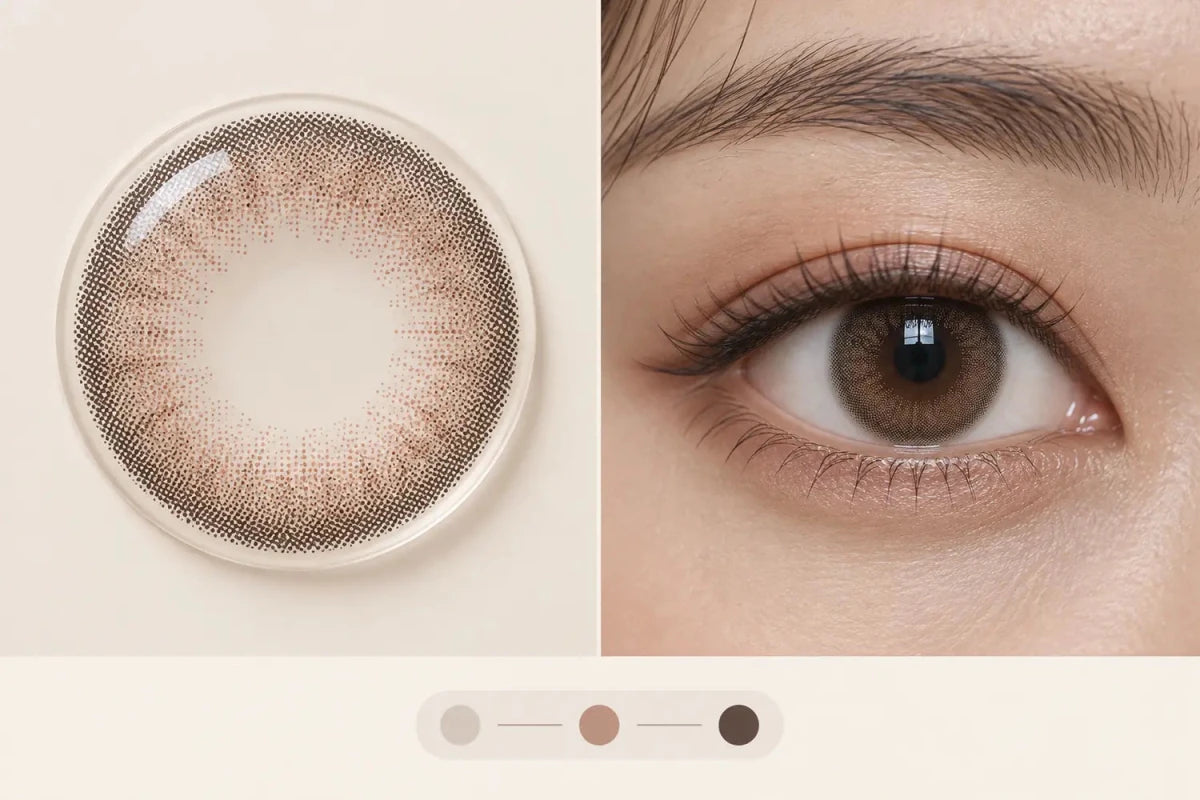


Before Add to Cart, a colored-contact product page should show five facts without requiring another click: the exact product version, replacement schedule, individual lenses per box, graphic diameter, and the complete prescription or configuration being added. When processing time differs from normal stock, show that beside the purchase button as a sixth conditional fact. This order reduces version, quantity and option-selection mistakes.
In this guide

The five essential facts
1. Exact product version
Show the brand, series, shade and version together. If the same shade exists as Daily, Monthly, regular and toric, the customer must be able to identify the selected version from the purchase panel itself. A thumbnail or color swatch is not enough.
2. Replacement schedule
Use a plain label such as Daily or Monthly beside the product name and price. Repeat it in the cart. Replacement schedule changes the meaning of the package and the customer’s reorder calculation, so it should never live only inside a closed accordion.
3. Individual lenses per box
Write 1 individual lens / box, 2 individual lenses / box or the exact multi-pack count. Avoid relying on “1p,” “2p” or “10p” without explanation. One box does not necessarily equal one pair, and two lenses in a box do not automatically mean two different powers.
4. Graphic diameter
Display graphic diameter as a visual-style specification, clearly distinguished from overall lens diameter. It helps shoppers compare how much printed design may be visible, but the page should not promise a universal enlargement result.
5. Complete selected configuration
Before the button becomes actionable, show the actual selection that will enter the cart. A spherical product may need power and quantity. A toric product can require the exact model plus SPH, CYL and AXIS for each eye. Fixed fields should be visible or preselected rather than silently omitted.
Why these facts belong before the button
These five facts answer the customer’s immediate questions: What exact lens is this? How is it replaced? How many lenses am I buying? How strong is the printed visual area? Which options will be sent? If any answer is hidden, the shopper has to interrupt the purchase flow, search the page or make an assumption.
Keep the summary compact. A single row can hold replacement schedule, box count and graphic diameter when labels remain readable. The selected prescription can use a two-column eye summary on desktop and a two-column or compact stacked layout on mobile. More white space does not automatically improve clarity when it separates a label from its value.
| Information | Primary position | Repeat in cart? |
|---|---|---|
| Exact version | Product title / purchase summary | Yes |
| Daily or Monthly | Beside price | Yes |
| Individual lenses per box | Same summary row | Yes |
| Graphic diameter | Visible key facts | Optional |
| Selected prescription/configuration | Immediately above Add to Cart | Yes |
What can stay in Specifications
The expanded Specifications area should carry the complete reference set: brand, color, base curve, overall diameter, water content, material, packaging status and full prescription range. These details remain important, but displaying every value at equal prominence can make the purchase area hard to scan.
Move decision-critical facts up; keep reference facts easy to open below. Do not duplicate long paragraphs in both places. The short summary should use literal values, while Specifications provides the complete context and links to related filtered collections where those links genuinely help comparison.
Toric and promotional orders need an expanded summary
For toric lenses, show one complete eye at a time and preserve the exact SPH, CYL and AXIS combination. If the interface stores a fixed base curve or another required field automatically, make that value visible. A long list of separate dropdowns is not a confirmation summary.
For Buy 1 Get 1, label paid and promotional boxes separately. Each box needs its own configuration when the page allows different powers. The summary should show which selection belongs to which box before the customer confirms. Do not let the promotion wording replace the pack count.
When a toric or custom product has a longer production window, show the current processing estimate next to Add to Cart and keep it separate from delivery time. Standard stock processing and made-to-order processing should not be blended into one shipping promise.
Desktop and mobile check
On desktop, keep the five facts within the purchase column rather than stretching short values across the page. On mobile, show them before the first selector and above any sticky purchase bar. The sticky bar should repeat the exact version and selected state, not only the price and a generic Add button.
- Scan the page without opening an accordion.
- Confirm the five facts are visible before Add to Cart.
- Select different left and right powers and verify the summary updates.
- Test a one-lens box, multi-pack, toric product and promotion.
- Add each case and compare the cart line with the final on-page summary.
Related categories
Compare the different buying structures through Daily Contacts, Monthly Contacts and Toric Contacts. Keep these links together and left-aligned so the next action stays close on desktop and remains compact on mobile.
Questions and answers
Should price be one of the five facts?
Price should already be prominent beside the product title. The five-item checklist covers product information that is often missing even when price is visible.
Why show graphic diameter before Add to Cart?
It is a major appearance-comparison field. Display it as a specification, not a guaranteed prediction of the final look.
Should overall diameter appear in the same summary?
It can appear when space allows, but it must be labeled separately from graphic diameter. The full Specifications area should always preserve the exact value.
Can a preselected field stay hidden?
No when it is part of the order identity. A single available value may be preselected, but the customer should still see what will be added.
What should a toric confirmation show?
Show the exact model and each eye’s complete SPH, CYL and AXIS selections, plus quantity and box assignment.
Where should processing time appear?
Show it near Add to Cart when it affects the order, especially for toric or custom products. Keep processing separate from delivery time.
Reviewed September 14, 2026 by the KPOP2 Editorial Team. This article explains ecommerce information hierarchy. Product-specific specifications, prescription selections, processing estimates and promotions must be confirmed on the current product page. Generated artwork is labeled as an AI editorial illustration.