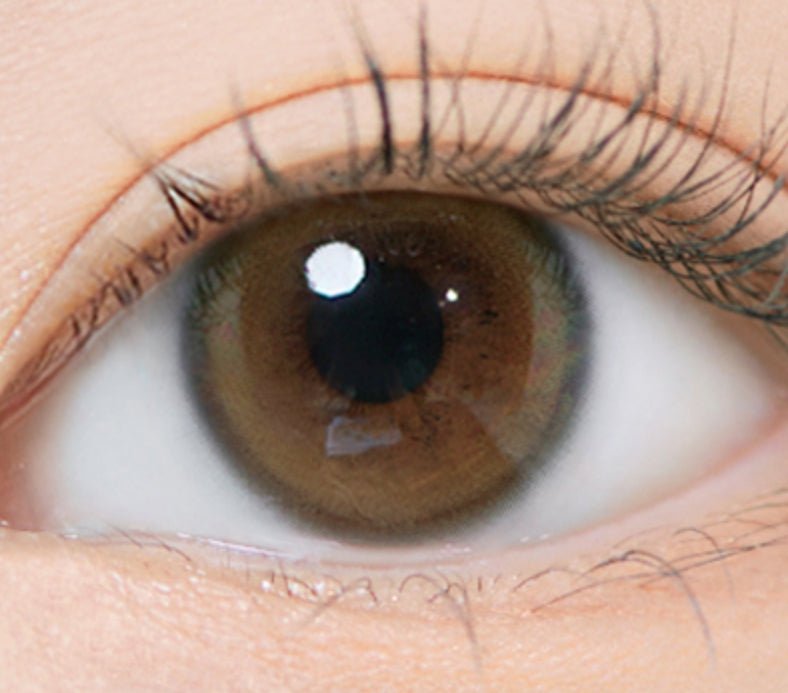
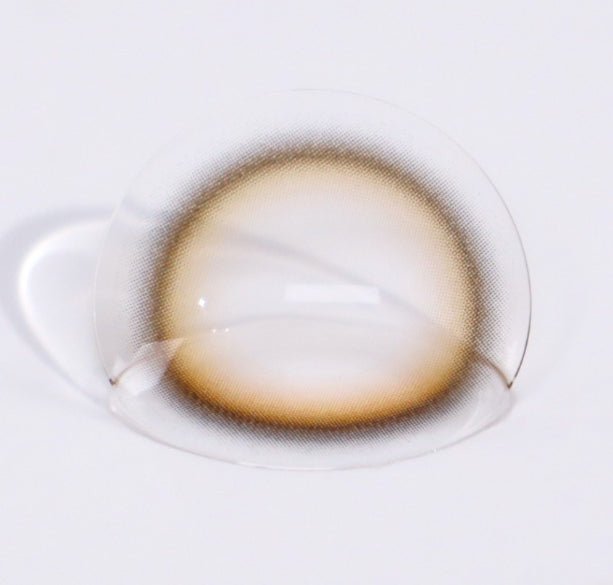
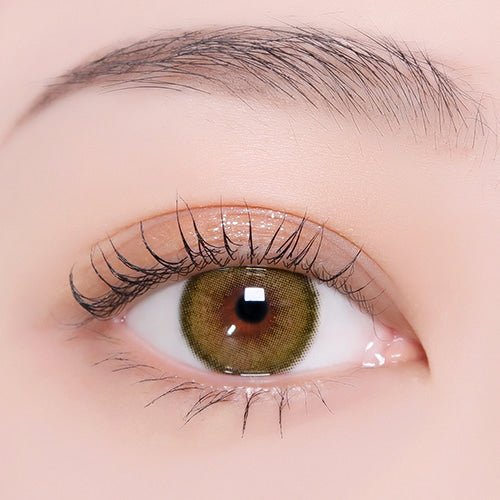
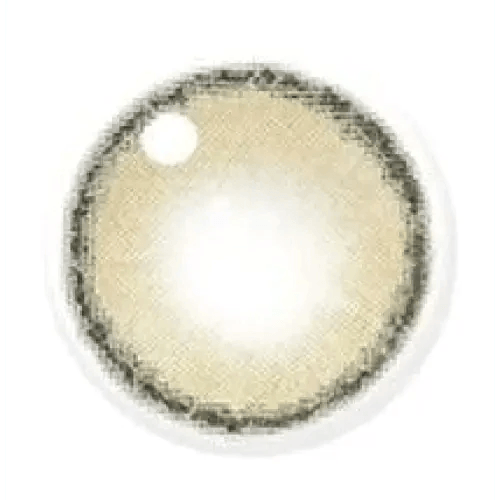
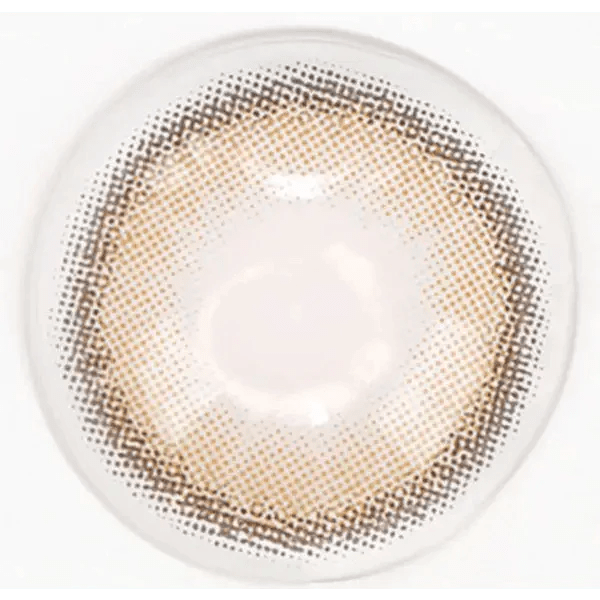
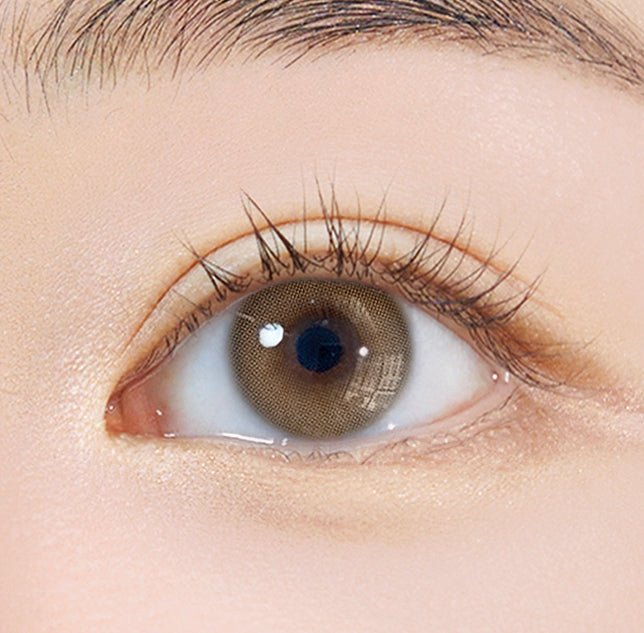
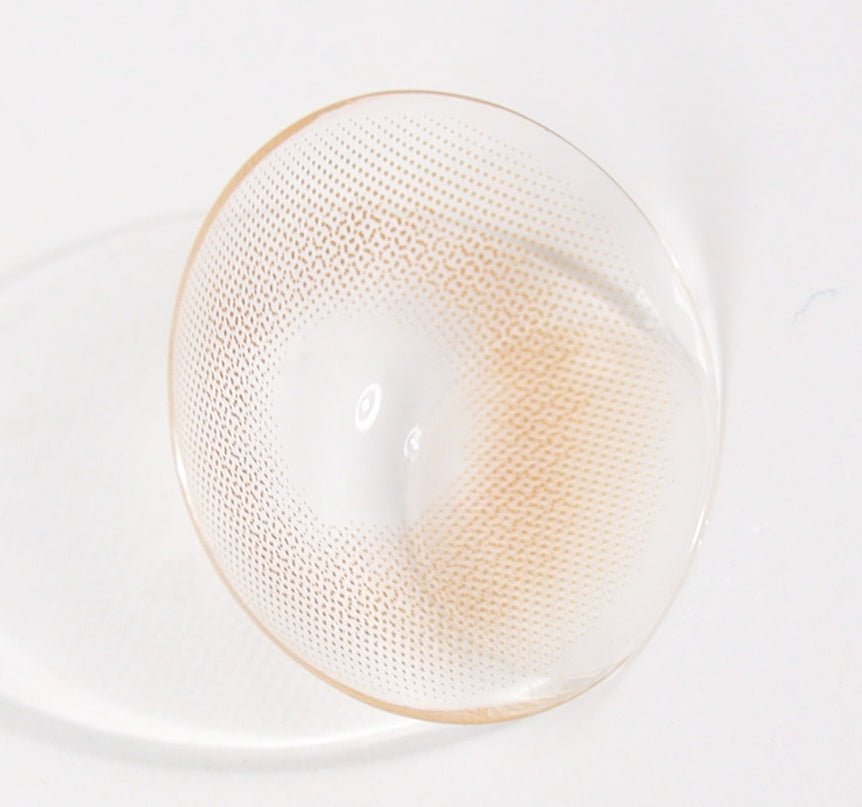
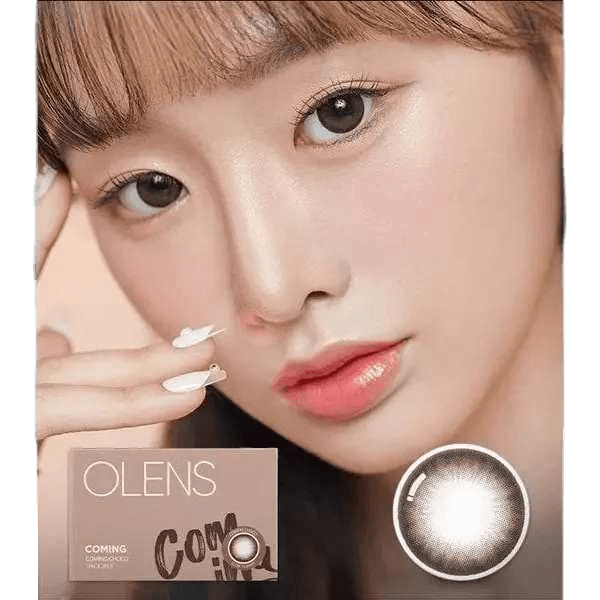
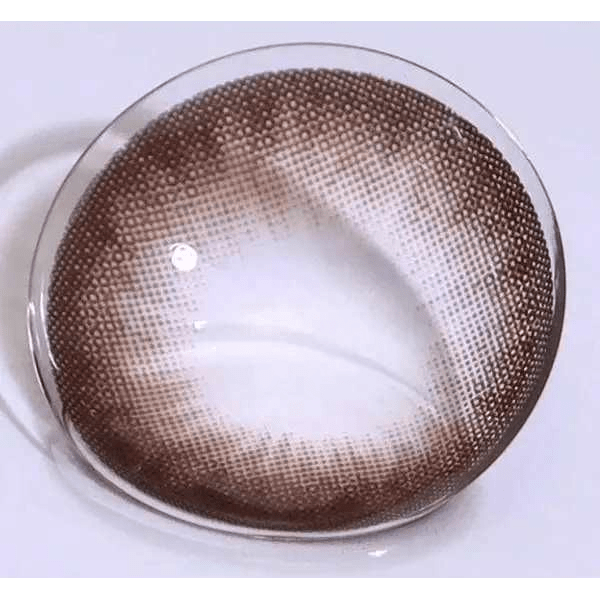
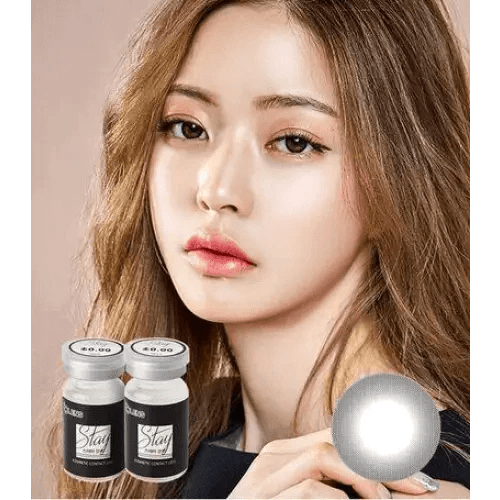
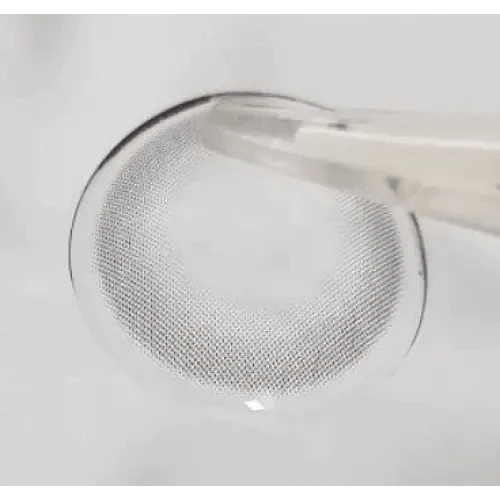
A little color. Still you.
QUICK ADD
✓ Added to your bag.
View bag
QUICK ADD
✓ Added to your bag.
View bag
QUICK ADD
✓ Added to your bag.
View bag
QUICK ADD
✓ Added to your bag.
View bag
QUICK ADD
✓ Added to your bag.
View bag
QUICK ADD
✓ Added to your bag.
View bag
QUICK ADD
✓ Added to your bag.
View bag
QUICK ADD
✓ Added to your bag.
View bag
QUICK ADD
✓ Added to your bag.
View bag
Frequently Asked Questions
Is graphic diameter the same as overall diameter?
No. Graphic diameter describes the printed area; overall diameter describes the physical lens. Use each for its own purpose and do not substitute one for the other.
Should I choose the smallest graphic for the most natural look?
Not automatically. A dense small print may still look strong, while a wider feathered one can read differently. Compare tone, opacity and the outside edge together.
Why can two lenses with the same graphic diameter look different?
The number does not describe border density, transparency or the center pattern. Those features can change the visual impression at the same printed span.
Can I work out the right graphic from a selfie measurement of my iris?
Do not use a selfie to determine lens fit or a supposedly exact match. Use known lens appearance and clear product images for visual comparison, with professional fitting handled separately.
How do I avoid an oversized appearance on small-looking irises?
Start from a print whose appearance you know and compare face-level photos. Change one visual feature at a time rather than jumping to a range labeled natural.
If a lens looks too outlined, must I reduce its graphic diameter?
The border may be the issue rather than its span. Compare a softer edge in a similar color before assuming a smaller graphic is the only solution.
Can the graphic number tell me the clear opening size?
No. Use documented opening information if it is provided. Do not calculate it from the outer printed span.
Does a larger physical lens create a larger colored iris?
A physical lens dimension does not establish the printed effect. Check whether the product has a colored graphic and what the actual pattern shows.
Are the range links guarantees that every product has one identical measurement?
Treat them as navigation groups. Read the exact product specification, particularly where a category title abbreviates a broader range.
Will the same graphic give the same enlargement on light and dark eyes?
Do not expect a fixed result. The natural iris and print contrast can produce different impressions even at the same listed span.
What if two fields on the product page show different graphic values?
Ask KPOP2 to confirm the selected model and color's documented value before relying on either number. Do not choose the more appealing value by assumption.
Where do I compare edge style if the printed span already seems right?
Explore No Black Rim and Effects to focus on the pattern rather than changing the size range.