Skip to content

Cart

Your cart is empty

By Graphic Diameter

A little color. Still you.

894 products

Sort by

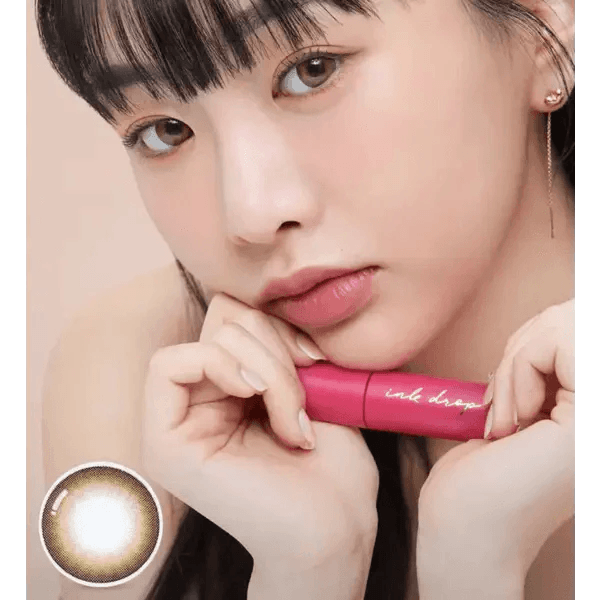
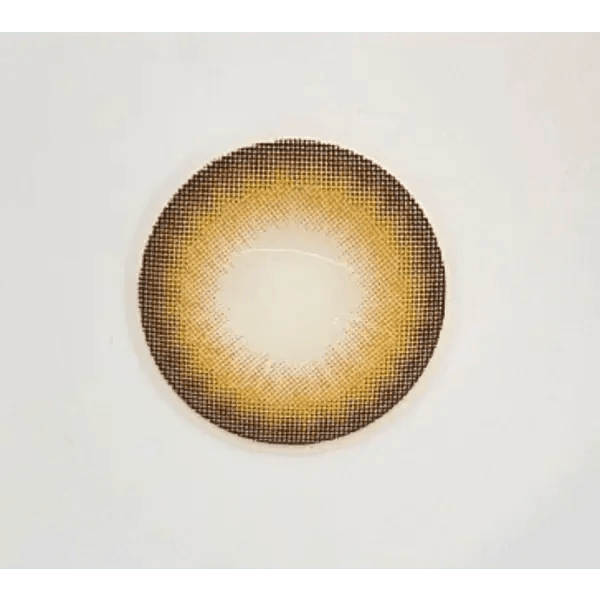
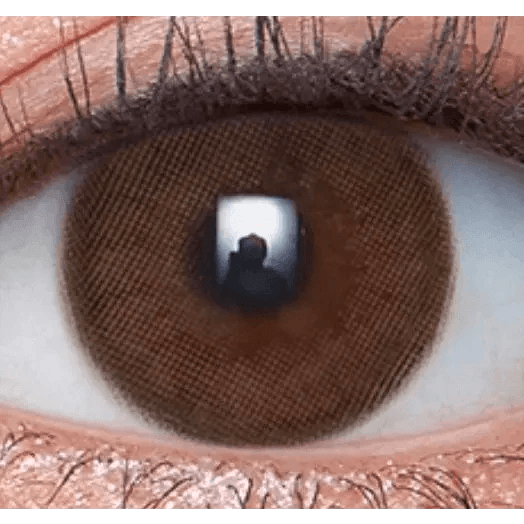
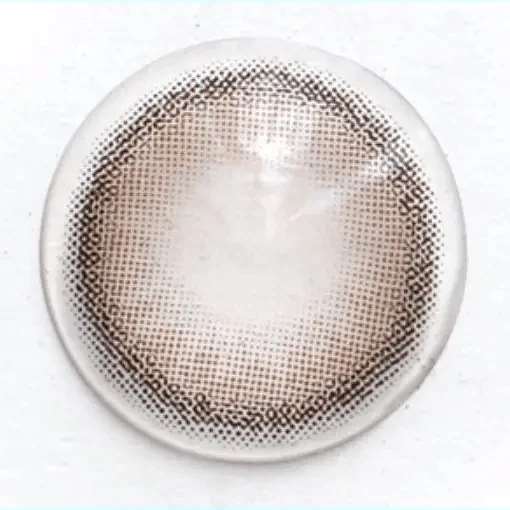
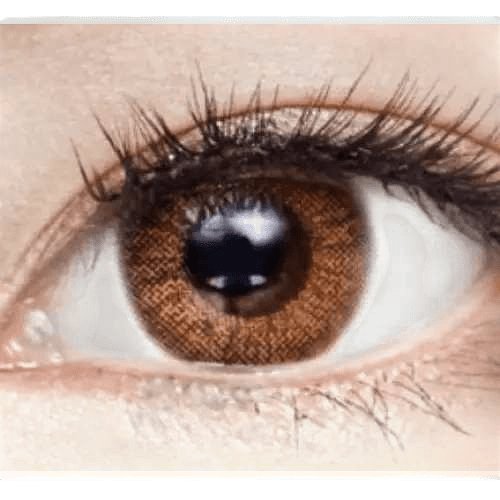
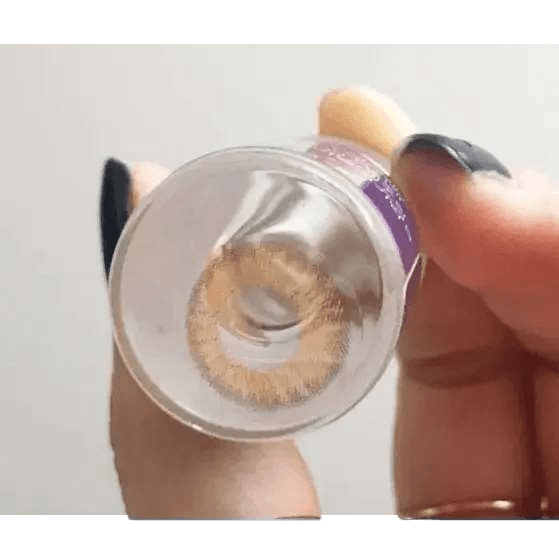
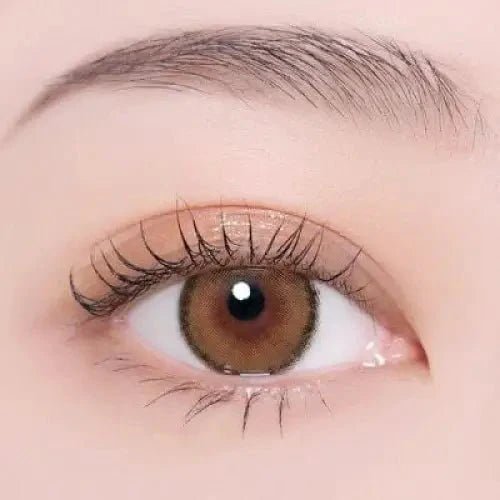
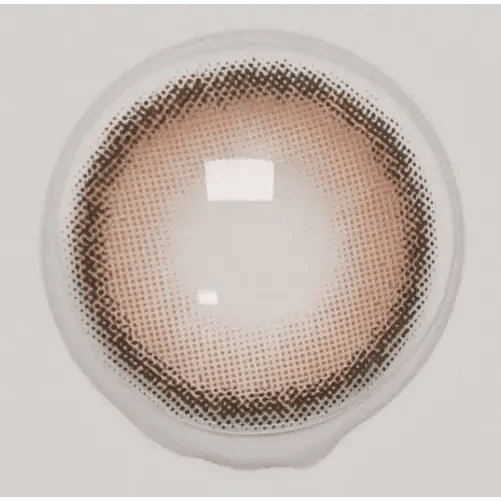
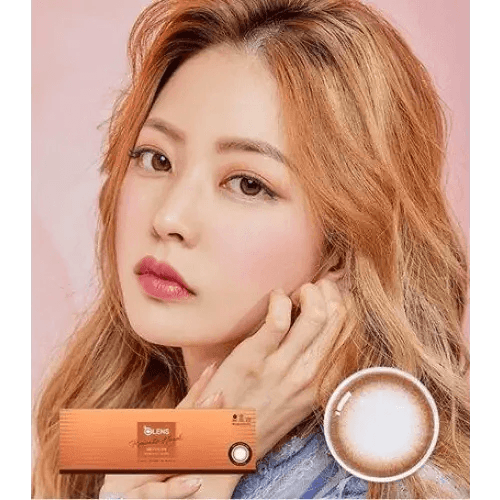
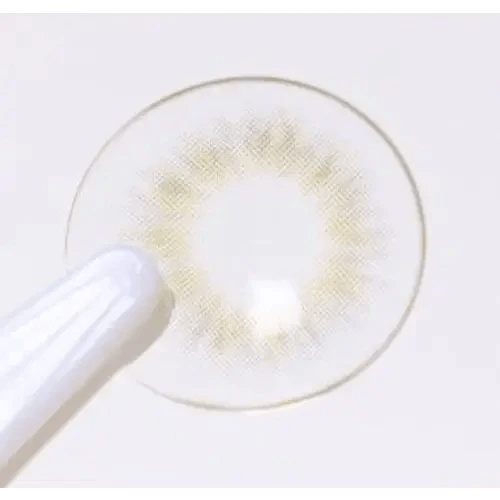
Olens LAVI A Brown colored contact lens, 13.5mm graphic diameter, 3-6 Months wear
Sale price$4.99 Regular price$21.00
QUICK ADD
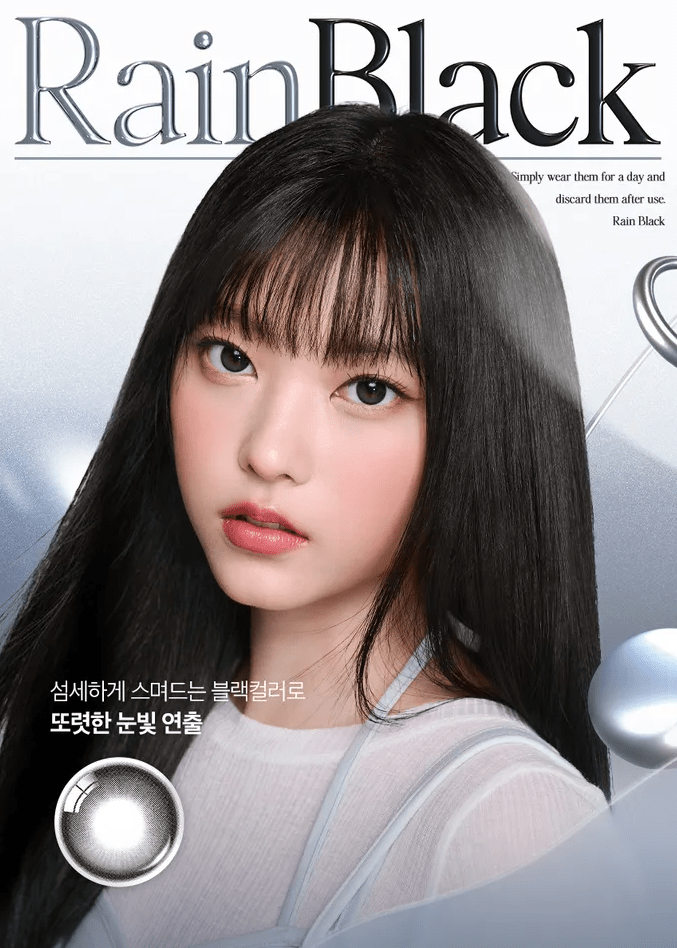
Olens And Black — model portrait showing the contact lens look
Sale price$27.99 Regular price$40.00
QUICK ADD
LensRang Iwwiny Choco — single-eye close-up showing the contact lens appearance
Sale price$19.99 Regular price$30.00
QUICK ADD
LensRang School Ring Brown — single-eye close-up showing the contact lens appearance
Sale price$14.99 Regular price$30.00
QUICK ADD
LensVery Anello No.1 Gray — model portrait showing the contact lens look
Sale price$9.99 Regular price$25.00
QUICK ADD
Olens Mood Night Mood Gray — model portrait showing the contact lens look
Sale price$27.99 Regular price$40.00
QUICK ADD
Olens Someday Choco — model portrait showing the contact lens look
Sale price$27.99 Regular price$40.00
QUICK ADD
Olens ShineB Brown — model portrait showing the contact lens look
Sale price$17.00 Regular price$24.00
QUICK ADD
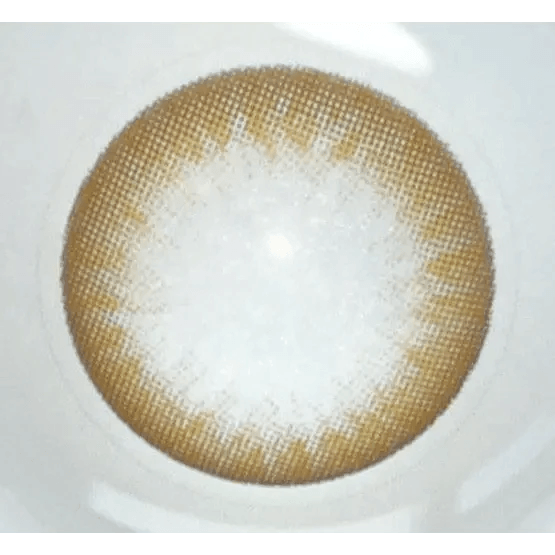
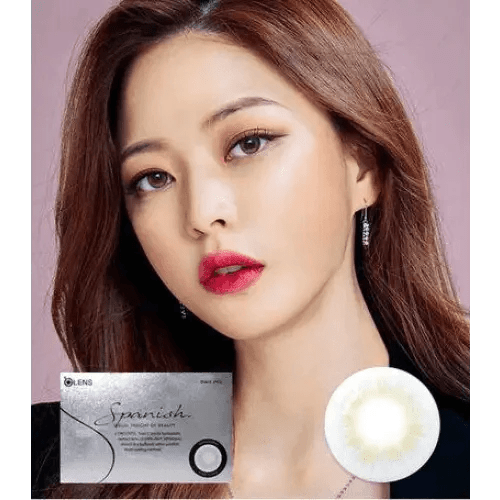
Olens Spanish Gray (20p) — model portrait showing the contact lens look
Sale price$29.99 Regular price$44.00
QUICK ADD
Olens Glowy Natural 1Day Mocha Brown (10P)
Sale price$20.50 Regular price$35.00
QUICK ADD
Olens Ending Brown (20p)
Sale price$29.99 Regular price$44.00
QUICK ADD
Olens Nils Brown — model portrait showing the contact lens look
Sale price$27.99 Regular price$40.00
QUICK ADD
LensRang Cocoring Gray — single-eye close-up showing the contact lens appearance
Sale price$9.99 Regular price$25.00
QUICK ADD
Olens Mood Night 1Day Mood Gray (20p) — model portrait showing the contact lens look
Sale price$29.99 Regular price$44.00
QUICK ADD
LensTown Kiralet Gray Toric — model portrait showing the contact lens look
Olens Toy Brown — model portrait showing the contact lens look
Sale price$9.99 Regular price$28.00
QUICK ADD

Use a Familiar Lens as Your Visual Baseline

Find the documented graphic measurement of a lens whose appearance you know. Decide whether you want a similar outline, a softer impression or a more noticeable printed area. That is more useful than choosing the smallest or largest category without a reference.

A range is a way to organize the search, not a promise of a particular result on small- or large-looking irises.

Compare Nearby Ranges With the Edge in View

Use the listed 11.9–12.4 mm and 12.5 mm range categories as starting points when comparing smaller printed spans. Confirm the exact value on each product page.

For another printed-size direction, review the 13.0 mm range and 13.5 mm range. Compare the on-eye border rather than assigning a universal natural or dramatic label to a range.

Do Not Confuse Three Different Parts of the Lens

The outer printed span, the central opening and the overall physical lens diameter are different information. A graphic value cannot supply the size of an undocumented central opening or tell you which base curve fits.

If a clear lens listing shows a graphic value, clarify the actual product specifications rather than assuming it has a colored enlarging print.

Use Face-Level Images for the Final Appearance Decision

Check whether the print creates the balance you want with your normal makeup. If the span seems right but the border feels harsh, compare No Black Rim. If stronger definition is the goal, inspect Enlarging Contacts.

Keep the exact prescribed product as the fitting requirement throughout the comparison.

Before ordering from By Graphic Diameter, use Prescription Verification to check the model and parameters, and Wear & Care to review the routine for your selected lens.

Frequently Asked Questions

Is graphic diameter the same as overall diameter?
No. Graphic diameter describes the printed area; overall diameter describes the physical lens. Use each for its own purpose and do not substitute one for the other.
Should I choose the smallest graphic for the most natural look?
Not automatically. A dense small print may still look strong, while a wider feathered one can read differently. Compare tone, opacity and the outside edge together.
Why can two lenses with the same graphic diameter look different?
The number does not describe border density, transparency or the center pattern. Those features can change the visual impression at the same printed span.
Can I work out the right graphic from a selfie measurement of my iris?
Do not use a selfie to determine lens fit or a supposedly exact match. Use known lens appearance and clear product images for visual comparison, with professional fitting handled separately.
How do I avoid an oversized appearance on small-looking irises?
Start from a print whose appearance you know and compare face-level photos. Change one visual feature at a time rather than jumping to a range labeled natural.
If a lens looks too outlined, must I reduce its graphic diameter?
The border may be the issue rather than its span. Compare a softer edge in a similar color before assuming a smaller graphic is the only solution.
Can the graphic number tell me the clear opening size?
No. Use documented opening information if it is provided. Do not calculate it from the outer printed span.
Does a larger physical lens create a larger colored iris?
A physical lens dimension does not establish the printed effect. Check whether the product has a colored graphic and what the actual pattern shows.
Are the range links guarantees that every product has one identical measurement?
Treat them as navigation groups. Read the exact product specification, particularly where a category title abbreviates a broader range.
Will the same graphic give the same enlargement on light and dark eyes?
Do not expect a fixed result. The natural iris and print contrast can produce different impressions even at the same listed span.
What if two fields on the product page show different graphic values?
Ask KPOP2 to confirm the selected model and color's documented value before relying on either number. Do not choose the more appealing value by assumption.
Where do I compare edge style if the printed span already seems right?
Explore No Black Rim and Effects to focus on the pattern rather than changing the size range.