
Toric & prescription
Contact Lens Prescription Power: SPH, CYL, AXIS, ADD, Plus and Minus
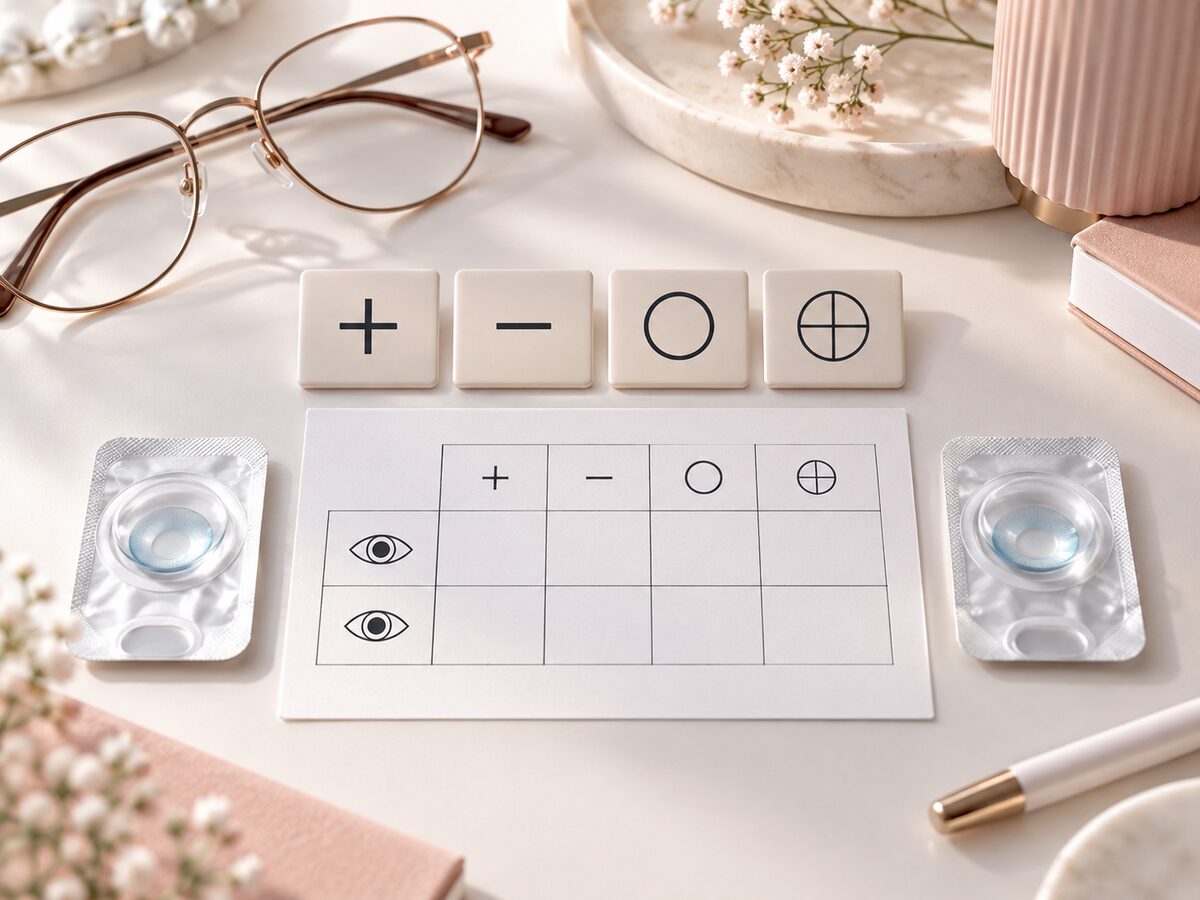
Keep each number, sign and field label together. SPH or PWR is spherical power; CYL is cylinder correction when prescribed; AXIS gives its orientation; ADD is a separate near-vision value in some multifocal designs. These fields are not interchangeable. Read the exact contact-lens prescription for the correct eye and product, and ask the prescriber about an unclear or missing value instead of converting or guessing.
In this guide
- Start with the contact-lens document and eye labels
- What plus, minus and SPH mean
- When CYL and AXIS are prescribed
- What ADD means on a multifocal prescription
- What 0.00 and plano do—and do not—mean
- A practical way to match a prescription to a product
- Examples that mean you should pause
- Power is only one part of lens suitability
- Who to ask when a field does not match
- Questions about prescription notation
- Official sources and scope

Start with the contact-lens document and eye labels
First confirm that the page is a contact-lens prescription for the intended wearer, not an eyeglass prescription or a screening result. Check the prescribed brand or model, issue and expiration dates, and the separate right-eye and left-eye rows. On many U.S. records, OD means right eye and OS means left; read the labels printed on your own document. Do not copy one eye’s values into the other row just because the shade is the same.
Keep the full number with its sign and decimal. The FDA’s prescription overview lists power, manufacturer or material, base curve and diameter when appropriate among the details needed to fill a contact-lens prescription accurately. A cropped number alone may omit the lens identity or the field it belongs to. If the copy is unclear, ask the issuing practice for a complete, readable version before entering values.
| Field | What it describes | What to verify |
|---|---|---|
| SPH / PWR / POWER | Spherical optical power, including its sign | Match the signed value for the correct eye and prescribed lens. |
| CYL | Cylinder correction when prescribed for astigmatism | Check the complete toric combination with its matching axis. |
| AXIS | Orientation paired with cylinder correction | Keep it in the axis field for the same eye; it is not a separate power. |
| ADD | Additional near-vision parameter in applicable multifocal designs | Match the prescribed multifocal product and its options. |
| 0.00 / plano | Zero spherical correction | It does not remove lens identity, fitting or prescription considerations. |
This table is a reading aid, not a way to create or change a prescription. If your document uses different labels or the product form does not show a matching field, ask the seller what the selector means and ask the prescriber how to resolve a clinical mismatch.
What plus, minus and SPH mean
SPH means spherical power. It is commonly written in diopters (D). A negative value is commonly used for myopia (nearsightedness), while a positive value is commonly used for hyperopia (farsightedness); the NHS Wales prescription explainer describes this sign convention. The sign is part of the value: +2.00 and −2.00 are different powers, not two formats for the same number.
This convention helps you read a signed value; it does not diagnose your eyes or tell you what to order. Do not choose a sign based on what looks familiar, copy the value from a previous purchase, or convert an eyeglass number to contact-lens power with an online calculator. Use the current contact-lens prescription for the exact lens. For the difference between the two document types, see our eyeglass and contact-lens prescription guide.
When CYL and AXIS are prescribed
CYL records cylinder correction for astigmatism when it is part of the prescription. AXIS describes the orientation of that cylinder correction, usually in degrees. For a toric contact lens, SPH, CYL and AXIS work together. If the prescribed CYL or AXIS is missing from a product selector, matching SPH alone is not a complete match.
Some records use different cylinder notation. Do not transpose values, move CYL into the sphere field or borrow an axis from the other eye. Ask the issuing practice to clarify a notation difference and ask the seller whether the exact model offers the required combination. A catalog gap is not permission to change the prescription.
Keep right and left entries separate through checkout. Our toric ordering guide walks through comparing each eye’s prescribed combination with the cart.
What ADD means on a multifocal prescription
ADD is an additional near-vision parameter in an applicable multifocal contact-lens prescription or design. It is a separate field; it does not tell you to add that number to SPH and buy the arithmetic result as a single-vision lens. For example, keep SPH −2.00 and ADD +1.50 in their own fields rather than replacing them with −0.50.
Multifocal products can use model-specific labels or ADD ranges. Confirm the exact prescribed lens and the options offered for that version. If the colored product page has no matching multifocal choice, ask the prescriber about alternatives that account for your full vision needs. A seller can confirm what the catalog offers but cannot select a clinical substitute.
What 0.00 and plano do—and do not—mean
Plano or 0.00 means zero spherical correction. It does not mean the lens has no physical dimensions or that fit, wear instructions and prescription requirements disappear. The FDA says decorative contact lenses require a prescription in the United States, including lenses chosen for appearance. Requirements elsewhere may differ.
A zero sphere can still appear with other product and fitting details. Verify whether the cart contains the intended plano or powered version. For the U.S. rules and fitting context, see our guide to 0.00 colored contacts.
A practical way to match a prescription to a product
- Use the final contact-lens prescription for the wearer and confirm its date and lens identity.
- Open the exact product version and compare the prescribed fields for the right eye and left eye separately.
- Keep every sign, decimal, CYL, AXIS and ADD value in its matching field. Do not round or omit a value to make a selector work.
- Write down any missing option or product-name difference as an unresolved question.
- Review the actual cart selections and quantity against the document before payment.
Ask the seller factual catalog questions, such as whether a specific shade and model offers a listed combination. Ask the prescriber to interpret the document or assess a different lens. Keep those responsibilities separate. For details about submitting a copy for online verification, see KPOP2’s prescription verification page.
Examples that mean you should pause
- Sign is unclear: a cropped image could show +2.00 or −2.00. Request a legible copy instead of selecting the more familiar option.
- SPH matches but CYL or AXIS is absent: the selector may not offer the prescribed toric configuration. Do not leave a field out; ask about the exact product and a clinically suitable alternative.
- Prescription includes ADD but the page shows only SPH: verify whether the candidate is the prescribed multifocal design. Do not calculate a substitute power.
- Saved cart differs from the current prescription: recheck each eye’s values and product identity before ordering.
Power is only one part of lens suitability
A matching sphere does not establish that a lens fits or is the same product. Base curve, diameter, manufacturer or material and optical design may also matter. Follow the exact lens and care instructions; do not change a fitting parameter because a different option is available.
If a lens causes pain, unusual redness, light sensitivity, discharge or a sudden vision change, remove it and contact an eye care professional promptly. Prescription numbers cannot explain symptoms. See our guide to uncomfortable colored contacts for the immediate response.
Who to ask when a field does not match
Ask the seller: “Does this exact model and shade offer my prescribed SPH, CYL, AXIS and ADD combination?” “What does this selector label mean?” Include the product link and name of the missing field.
Ask the prescribing practice: “Is this the final contact-lens prescription?” “Can you clarify this sign or notation?” “If the desired colored product lacks my prescribed option, what alternatives should I discuss?” Do not ask customer support to choose a nearby power or decide that another lens is suitable.
Use the seller’s stated private process when submitting prescription information. Do not post the full document in a public review or social comment.
Questions about prescription notation
Are +2.00 and −2.00 the same power?
No. The signs change the value. Copy the sign and number exactly as shown for that eye.
Is AXIS another power?
No. It describes the orientation, usually in degrees, paired with prescribed cylinder correction. Keep it in the AXIS field.
Can I add ADD to SPH?
No. ADD is separate information for an applicable multifocal design. It does not create a valid substitute when added to SPH.
What if the prescription is hard to read or a product field is missing?
Pause and ask the issuing practice to clarify the prescription. Ask the seller only whether the exact product page offers the specified combination.
Official sources and scope
This guide was source-checked on September 29, 2026 against the FDA contact-lens prescription overview, the FTC Contact Lens Rule guide, and patient-facing prescription notation guidance from NHS Wales. Regulatory details cited here are U.S.-specific where stated; notation or prescription forms can vary by location. This article explains how to read fields, not how to diagnose or change an individual prescription.